User Profile
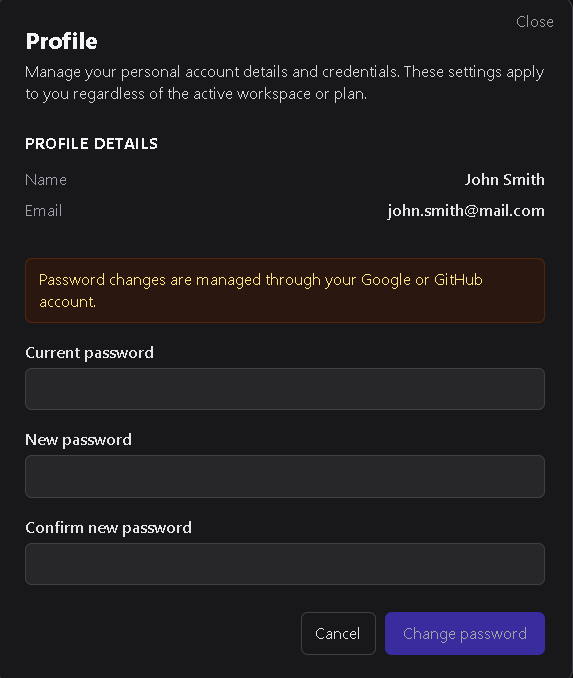
The User Profile screen allows you to manage your personal account credentials.
These settings apply to your user account regardless of which workspace or plan you’re currently using.
1. Profile details
The profile screen displays your basic account information:
- Name — Your display name as it appears across DSentr.
- Email — The address associated with your account.
If your account was created using an OAuth provider (such as Google or GitHub), your password cannot be changed from within DSentr.
2. Changing your password
For accounts created directly with an email and password:
- Enter your current password.
- Enter your new password and confirm it.
- Click Change Password to apply the update.
- Use Cancel to discard any changes.
Passwords changes take effect immediately after saving.
The Profile screen provides a simple way to update your personal credentials or review account details.
OAuth users manage password changes through their identity provider, while standard users can securely update them within DSentr.